Don't Get Denied: Navigate USCIS's New Strict Signature Rules for OPT
A simple signature mistake can now cost you your OPT. Learn about the July 10, 2026 USCIS policy update and how to sign your Form I-765 correctly.
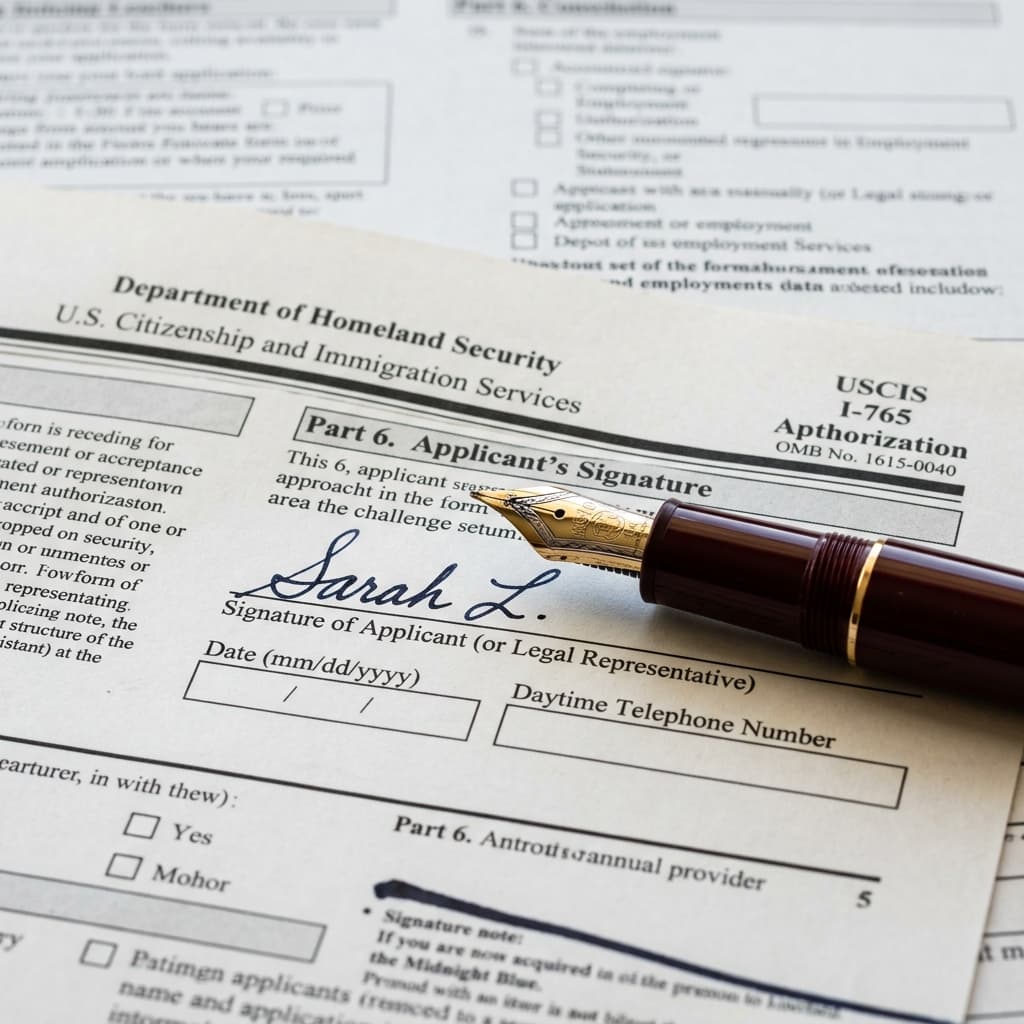
Effective July 10, 2026, U.S. Citizenship and Immigration Services (USCIS) has implemented significantly stricter signature requirements across all immigration forms, including Form I-765 for OPT and STEM OPT applications.
Previously, if a signature was missing or improper, USCIS might issue a Request for Evidence (RFE) to give the applicant a chance to correct it. Under the new policy, USCIS will outright reject or deny the petition.
The Risk to OPT Students
If your OPT application is rejected due to a signature error and your 60-day grace period has expired (or the upcoming 30-day grace period), you will not be able to re-file. You will lose your OPT eligibility entirely.
What Are the New Signature Rules?
USCIS requires a valid signature on all applications, petitions, and requests. A valid signature must meet these criteria:
- It must be a handwritten mark or sign.
- It must be personally signed by the applicant (no one else can sign for you, unless you are under 14 or mentally incompetent).
- If filing electronically, it must follow the specific electronic signature prompts on the myUSCIS portal.
Invalid Signatures (DO NOT USE)
- • Typewritten names (even in cursive fonts) on printed forms
- • Stamped signatures
- • Digital signatures drawn with a mouse on a PDF (for paper filings)
- • Signatures by a parent, spouse, or DSO
Valid Signatures
- • Wet ink signature (black ink preferred) on paper forms
- • Typing your name in the designated electronic signature box on myUSCIS (when filing online)
How to Ensure Compliance for OPT
Most students now file Form I-765 online. When filing online, the electronic signature process is built into the system. You simply type your name when prompted at the end of the application. Make sure the name you type exactly matches the name on your application.
However, you still have paper documents that require wet signatures:
- Form I-20: You must print your new OPT-endorsed I-20 sent by your DSO, sign the bottom of page 1 in blue or black ink, and scan it back in before uploading it to USCIS. Do not sign it digitally.
- Form I-983 (STEM OPT only): The Training Plan must be signed in wet ink or using a compliant e-signature software by both you and your employer.
Prepare for Your OPT Successfully
Use TrackMyOPT to track your application status, manage deadlines, and stay on top of the latest USCIS rules.
Create Your Free AccountFrequently Asked Questions
Can I use an electronic signature on my paper OPT application?
No. If you are mailing a paper Form I-765, you must use a wet ink signature. Typed or drawn digital signatures on printed forms will result in a rejection.
How do I sign if I file Form I-765 online?
When filing online through myUSCIS, you will electronically type your name into the designated signature field before submission. This is the only acceptable electronic signature.
What happens if my OPT application is rejected for a signature error?
If rejected, USCIS returns the entire application. If your 60-day or 30-day grace period has passed by the time you receive the rejection, you will lose your OPT eligibility entirely.
Related Guides
- STEM OPT Extension Guide24-month STEM OPT eligibility, I-983, and filing timeline.Read more
- 90-Day Unemployment RuleWhat counts as unemployment on OPT and STEM OPT.Read more
- USCIS Case Status TrackingHow to track your I-765 and understand status updates.Read more
- OPT to H-1B TransitionCap-gap, lottery timing, and what to do if not selected.Read more
Written by Vinay Kumar
Vinay is a content writer at TrackMyOPT who specializes in immigration guidance for international students. All content is researched using official USCIS, SEVP, and Department of Labor sources and reviewed for accuracy by the TrackMyOPT team, which includes former F-1 students who navigated OPT, STEM OPT, and H-1B transitions firsthand.